
 5s
⚡ Generate
Finishing-pass upscaling for covers, store files and print at 61 credits: detail reconstruction at delivery size, originals preserved.
Pick an effect, upload your photo, and the built-in recipe does the rest. Same photo, far more reliable results.
You have been writing prompts by hand. Templates skip all of that — pick a card below, upload your photo, and get the same scene in one click.
5s
⚡ Generate

 5s
⚡ Generate
 NEW IMAGE
⚡ Generate

 IMAGE
⚡ Generate
 5s
⚡ Generate

 IMAGE
⚡ Generate
 IMAGE
⚡ Generate

 IMAGE
⚡ Generate
 5s
⚡ Generate
 NEW 5s
⚡ Generate

 5s
⚡ Generate
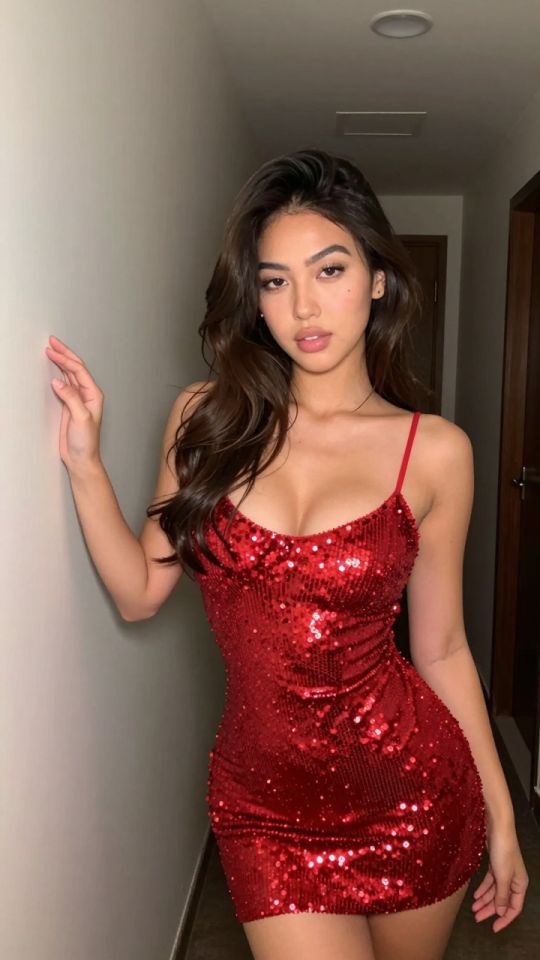
 5s
⚡ Generate
Production frames are generated at a working size; storefronts, print and some feeds ask for larger files. The image upscaler is the last line of an entry: it rebuilds a finished frame at higher resolution, reconstructing detail rather than stretching pixels. It runs on the image_upscaler model at 61 credits per job, shown before you confirm. File it last — it is a finishing pass for keepers, not a rescue step for weak frames.
Revisions, swaps and grading done at working size, where changes are cheap.
Upscale the delivery candidate once, to the destination’s actual requirement. Judge it at 100%, not at thumbnail size.
Keep the working file and the delivery file side by side; platforms change specs, masters should not change.
| It does well | It cannot fix |
|---|---|
| Crispens edges, fabric and hair detail | A face that was wrong at working size |
| Meets storefront minimum dimensions | Compression artefacts baked into a source |
| Makes large previews and covers hold up | Composition or light problems — revise first |
The frames everyone sees largest deserve the finishing pass; feed thumbnails do not need it.
Marketplaces with minimum-dimension rules get files that pass without padding tricks.
Physical products punish small files. Upscale the specific entries you sell in print.
61 credits per job on the image_upscaler model, shown before you confirm. It is a finishing cost — apply it to keepers only.
No. The upscaled file is a new delivery version; your working entry stays as it was.
It sharpens what exists; it does not repair wrong anatomy, faces or light. Fix those with a revision first.
Covers, heroes, store files with dimension minimums and anything sold in print. Routine feed frames rarely need it.
To the destination’s spec, not beyond. Oversizing costs credits and storage without visible benefit.
Generation, revisions, casting and finishing all file into the same private list and draw on the same credit balance. Start with the entry you need today.
Open the generatorAnalyzing your photo…
Your result will appear right here — keep this open.
0:00
Your image is deleted after generation.
Browse filesFailed jobs are refunded automatically. Results land in My Collection.